
Apple, Samsung and Google Offer Different Paths to Finding Photos Faster
Apple's iOS 27 lets iPhone users add custom keywords to individual photos, while Samsung Galaxy owners can tag images in the Gallery app and Google Pixel users rely on automatic recognition in Google Photos. The approaches differ, but all aim to cut down the time spent scrolling through thousands of pictures.
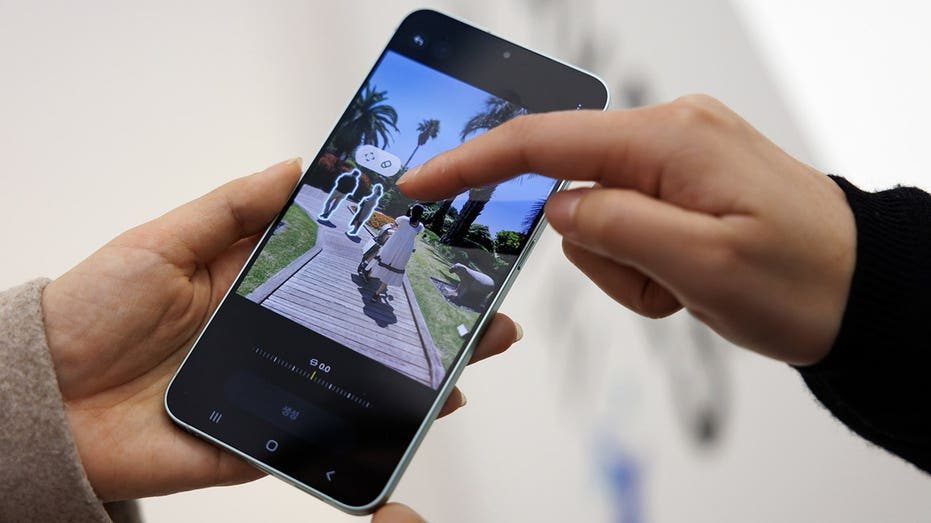
iPhone users running iOS 27 can now assign their own keywords to individual photos, giving them a manual way to find images that automatic recognition might miss. The feature is aimed at people whose phone libraries have grown into thousands of pictures, mixing important family memories with screenshots saved for later and photos of everyday details that are hard to locate again.
Apple's Photos app already recognizes people, pets, places and objects, but those automatic searches do not always capture why a particular photo matters to its owner. A picture of an airport parking spot or an appliance model number may not surface through a generic search, even though it could be exactly what the user needs later. Manually assigned keywords close that gap by letting people search for a word they chose themselves.
The instructions for the feature are based on an iPhone 15 Pro running iOS 27. Users can pick words that make sense to them, such as «license plate» for a photo of a car's plate, or a memorable trip name for pictures from a family vacation. Once keywords are attached, searching for those pictures takes only seconds. Keywords can also be managed by opening Photos, going to Collections, tapping the profile icon and selecting Manage Keywords, where they can be renamed, deleted or added to favorites.
Samsung Galaxy phones offer a comparable approach through the built-in Gallery app. Owners can add tags to pictures and search for them later, much as iPhone users can with keywords. The exact location of the tagging controls varies by Galaxy model and Gallery version, and on some versions users may need to tap Edit in the photo's details to add a tag. If the option is missing, updating the Gallery app is the recommended step.
Albums provide another way to keep related pictures together, especially when several photos come from the same event or project. A home repairs album, for example, could hold pictures of paint colors, appliance labels and receipts in one place. Samsung users who regularly photograph product labels or serial numbers may benefit from keeping those images in a dedicated album, so the information is handy when something breaks.
Google Pixel phones take a different route. Rather than depending on manually assigned keywords, Google Photos uses automatic recognition to help users find pictures based on what is in them. Searches for terms such as «dog,» «beach» or «receipt» may turn up relevant images without any tagging beforehand. Results depend on what the app can recognize, so a different search term may be needed if the first attempt does not find the right photo.
Google Photos also supports albums for grouping related pictures, which can be reached by opening Google Photos, going to Collections and selecting Albums. On supported versions, backed-up pictures of receipts and other paperwork may appear in a dedicated Documents collection, where they can be sorted into categories. That can be useful when someone needs a receipt photographed months earlier.
The common thread across all three platforms is that a little organization goes a long way. Apple and Samsung give users direct control over the words attached to a photo, while Google leans on software to identify content automatically. For anyone tired of scrolling through months of images, the practical advice is to start with the photos that are hardest to find, such as important documents, appliance labels and travel information, rather than attempting to tag an entire library at once.
5