Experts Advise Split Tunneling to Fix VPN-Blocked Printers and Banking Apps
A VPN encrypts traffic and hides the public IP address, but it can interfere with printers on a home network and trigger extra checks in banking apps. Split tunneling lets you choose which apps work without the VPN.
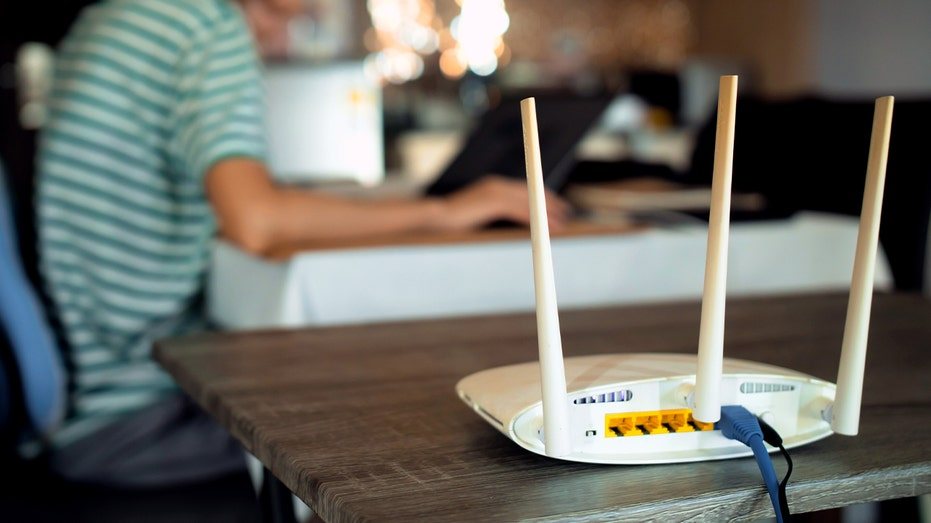
Many users turn off their VPN when a banking app won't log in or a wireless printer suddenly stops printing, and then forget to turn it back on. Yet the VPN itself is often behind these failures. Instead of disabling it completely, experts advise looking for a targeted solution that lets some apps work over the secure connection and others work without it.
A VPN encrypts traffic between the device and the internet and hides the public IP address from the websites the user visits. This protection has a side effect. Banks may flag VPN IP addresses as suspicious, and the client then gets extra identity checks or login blocks. Wireless printers, for their part, work within the local home network, and VPN settings can block this internal traffic. That is why a printing problem often looks as if the device is broken, when in fact it simply cannot reach the network.
One of the most useful tools is split tunneling. It lets you choose which apps bypass the VPN while the rest of the traffic stays protected. An app excluded from the VPN loses the privacy the tunnel provides. However, its traffic is still encrypted with HTTPS when it comes to secure sites and services. So exclusion does not make the connection completely unprotected, but it does remove the additional layer of address concealment.
Availability of this feature depends on the VPN provider, the device, and the app version. On Windows and macOS, many VPN programs offer exclusions for individual apps or by rules, so the user can set them once and never switch the VPN on and off again. On Android, split tunneling is common, but the "Block connections without VPN" setting may interfere with some apps, so it is worth checking first. On iPhone and iPad, excluding individual apps is usually not available, and excluding by IP address depends on the specific service and how it behaves.
IP-address exclusions are considered unreliable, because large services often change their addresses. A rule that works today may stop working tomorrow, and the app then goes back through the VPN without the user knowing. For a printer, it is therefore advisable to look in the VPN settings for an option such as "Allow access to LAN" or a local network access setting. At the same time, such access is risky on public Wi-Fi, since other users of the same network could potentially see local devices. Permission should therefore be enabled only on trusted networks, such as a home network. On a Mac, as an alternative, you can add the printer manually by its IP address, which avoids broad access to the local network.
Before excluding a banking app, it is worth first trying to switch the VPN server. This often gets around the bank's flag without any exceptions. Another option is a dedicated IP address, which may reduce the number of verification requests, but it is usually a paid option, so whether it is worthwhile depends on how often problems occur. Regardless of settings, you should keep the bank's security alerts and two-factor authentication turned on, since they protect the account if access is compromised. The main advice comes down to making small, targeted exceptions rather than switching off a VPN entirely, since it protects all the other apps and data.
Source: foxnews.com
4