Apple CarPlay and Android Auto heat up phones, tips to keep them cool
Running Apple CarPlay or Android Auto puts extra load on a smartphone, which can drain the battery and push the device toward overheating. Simple habits can help the phone stay cooler on the road.
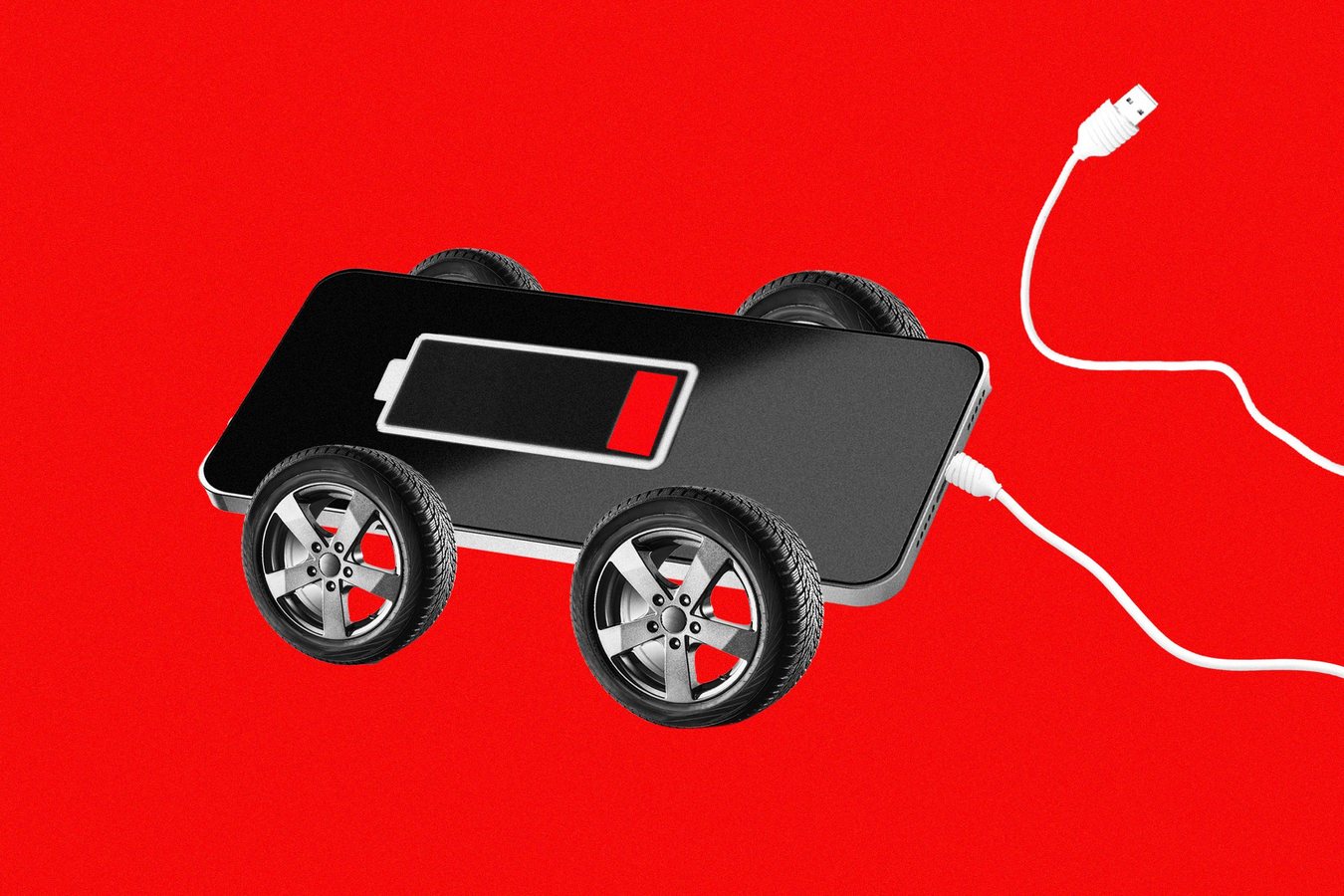
Connecting a smartphone to a car dashboard through Apple CarPlay or Android Auto can make the handset run hotter than many drivers expect. Powering a car display, processing navigation and music, and keeping the connection active all place steady demands on the device, and those demands take a toll on battery life.
The strain is easy to overlook because the phone usually stays out of sight in a pocket, cup holder or mount. Yet the same processor and battery that handle maps, calls and streaming audio are working hard throughout a drive, especially on longer trips or in hot weather. Heat is the main enemy of battery health, and a phone that climbs too high can slow its performance or shut down certain functions to protect itself. The source material notes that powering a car dashboard is more demanding on a handset than many people assume, which is why the effect tends to surprise drivers who only notice it once the device starts feeling warm in their hand or on the seat.
Keeping the device cool starts with the basics. Drivers can avoid leaving the phone in direct sunlight or on a dashboard that heats up quickly, since a parked car can reach high interior temperatures well before a trip begins. Choosing a mount that allows air to circulate, rather than a thick case or cradle that traps warmth against the body of the phone, also helps. Closing unused apps and lowering screen brightness reduce the workload on the processor, which in turn limits the heat the phone produces during a drive.
Battery management matters as well. Charging the phone while it is also running CarPlay or Android Auto adds another source of heat, so drivers who notice the device warming up may do better to pause charging until it cools, or to use a cable and charger that deliver power at a moderate rate. Turning off features the drive does not need, such as background refresh for non-essential apps, can help preserve charge over the course of the day. Drivers who rely on the phone for navigation on a long trip may find that a few of these adjustments make a noticeable difference by the time they reach their destination.
These tips are aimed at everyday drivers who depend on their phones for directions and entertainment on the road. A phone that stays cooler is less likely to lose charge quickly, and it is better positioned to keep the connected dashboard running smoothly from start to finish. The guidance does not require any new equipment, only a bit of attention to where the phone sits, how it is charged and which features are running during the drive.
7